
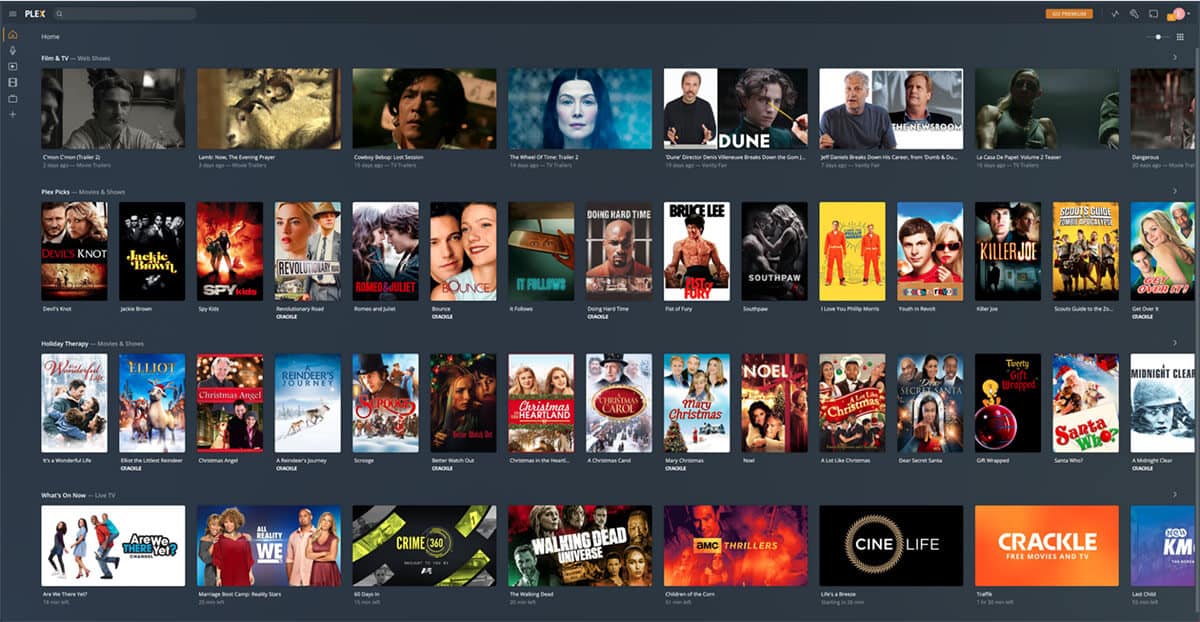
Plex is a media‑server software that reads file names to match its metadata library. The most reliable pattern is
Show Name (Year) – S01E02 – Episode Title.ext- Show Name – Write the full series title, capitalized, without abbreviations.
- (Year) – Put the original release year in parentheses; this helps Plex distinguish remakes.
- SxxEyy – “S” stands for season, “E” for episode. Use two‑digit numbers (01, 02…) so sorting stays correct.
- Episode Title – Optional but useful for quick browsing.
- ext – The file extension, such as
.mkv,.mp4, or.avi.
If you have multi‑part episodes, add – Part 1 after the title, or use S01E02-03 for combined parts. Avoid extra tags like [HD] or v2; Plex can read those as part of the title and may fail to match the correct episode.
How to name movies for Plex
For movies, the simplest pattern works best:
Movie Title (Year) – 1080p.ext- Movie Title – Full official title, no spoilers or alternate names.
- (Year) – Helps Plex pick the right version when several films share a title.
- 1080p / 4K – Optional quality tag; keep it after a space and before the extension.
Do not include distributor names, codec information, or release group tags inside the main name, as Plex may treat them as part of the title and miss the correct match.
General naming rules
- Stick to ASCII characters – Plex handles Unicode, but non‑standard symbols can cause mismatches.
- Use periods or spaces, not underscores – Plex treats periods as word separators, while underscores can be read literally.
- Avoid duplicate folders – Keep one folder per show or movie; nested folders can confuse the scanner.
- Refresh library after renaming – In Plex, select “Refresh Metadata” so the new names are indexed.