
Quick Answer
- TorBox is a privacy‑oriented cloud downloader and debrid‑style service that also supports Usenet.
- It sits between you and torrents/Usenet, caching files in the cloud so you stream or download directly.
- Great for speed and convenience, but you should still use a VPN (Virtual Private Network) for serious privacy.
What TorBox Is
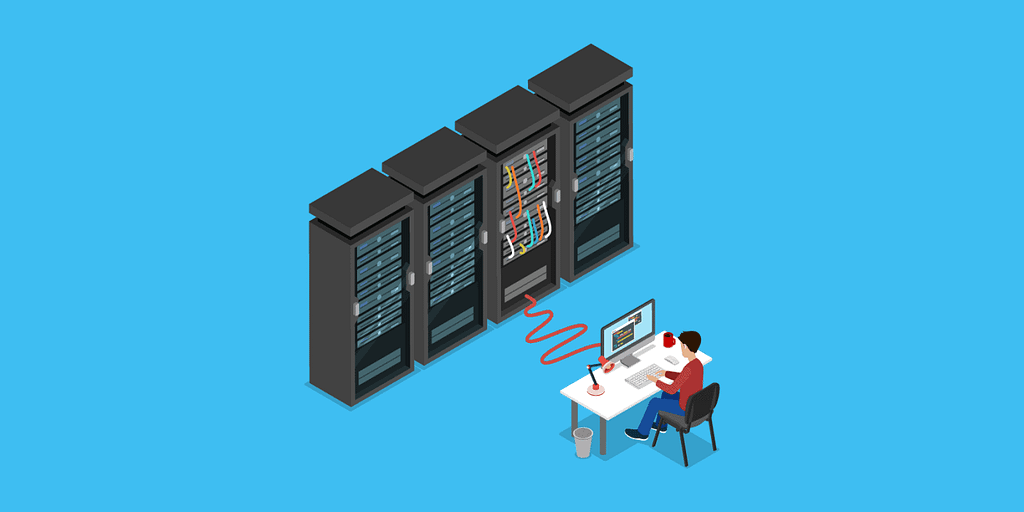
TorBox is a seedbox-like service that you don’t have to manage or set up. It doesn’t have limits on bandwidth and storage space. The idea is similar to “premium debrid” services, but with more focus on automation, media‑server compatibility, and Usenet support.
You interact with TorBox through a web dashboard, apps, and integrations with tools like Stremio or media servers.
TorBox offers up to 20 Gbps downloads, 5 TB concurrent downloads, a no-cap seeding ratio, and multiple download options.
Key features
- Torrent and Usenet support: Add magnet links, .torrent files, NZBs, or Usenet URLs, and TorBox fetches them in the background.
- Cloud caching: Once a file is cached on TorBox, future downloads or streams are almost instant.
- Streaming from the cloud: You can stream media in your browser or pipe it into Jellyfin, Emby, or similar players.
- CDN (Content Delivery Network) selection: TorBox lets you choose from different server locations for better speed where you live.
- Automation: Integrations with tools like Sonarr/Radarr and Newznab/Torznab‑style search to auto‑grab content from Usenet and torrents.
Think of it as a remote “seedbox‑plus” that hides torrent/Usenet complexity behind a simple cloud interface.
Privacy and security
TorBox aims to be privacy‑friendly, but it is still a central service that sees what you add.
Your ISP (Internet Service Provider) sees only encrypted traffic to TorBox, not the actual torrents or Usenet traffic.
However, TorBox itself can see the downloads linked to your account by design.
For that reason, serious privacy‑seekers should:
- Always use a reputable no‑logs VPN when accessing TorBox.
- Use a burner email and minimal personal data on signup.
- Avoid using TorBox as your only privacy layer; think of it as one hop in a longer chain.
Pros and cons
Pros
- Very easy to use compared to running your own seedbox or Usenet stack.
- Fast CDN downloads and streaming, good for 4K or large Usenet posts.
- One account covers torrents, hosters, and Usenet, simplifying your setup.
Cons
- It is a closed, centralized service; if it goes down or changes policy, you are stuck.
- Not as private as running your own Usenet plus VPN plus local storage.
- You pay a monthly fee and still depend on their fair‑use and content rules.
When TorBox makes sense
TorBox is a good fit if you:
- Want a simple way to use torrents and Usenet without learning all the tools.
- Stream to TVs and media boxes and do not want to manage local storage or complex servers.
- Already use a strong VPN and just want a convenient “cloud middleman” between you and public swarms/Usenet.